EASY TREND - MetaTrader 4脚本

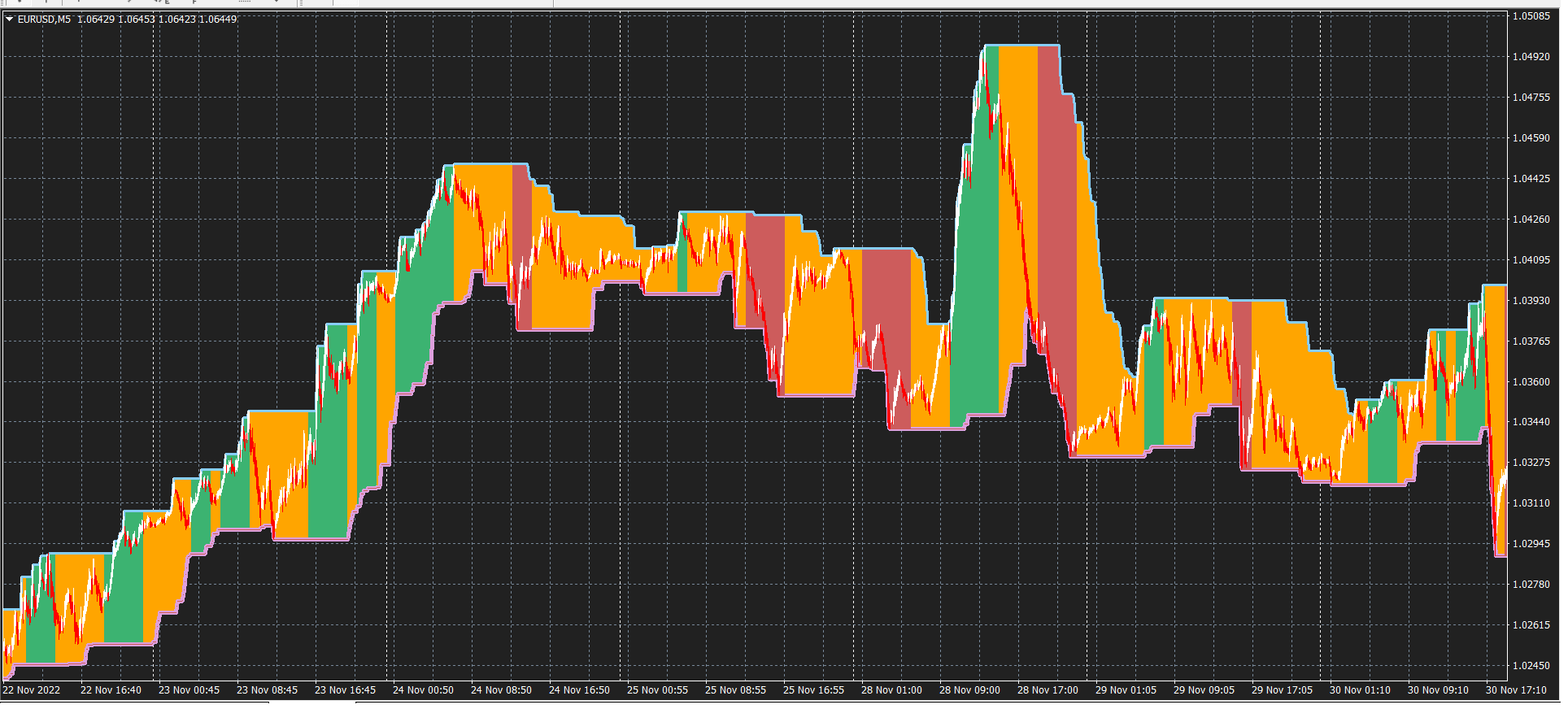
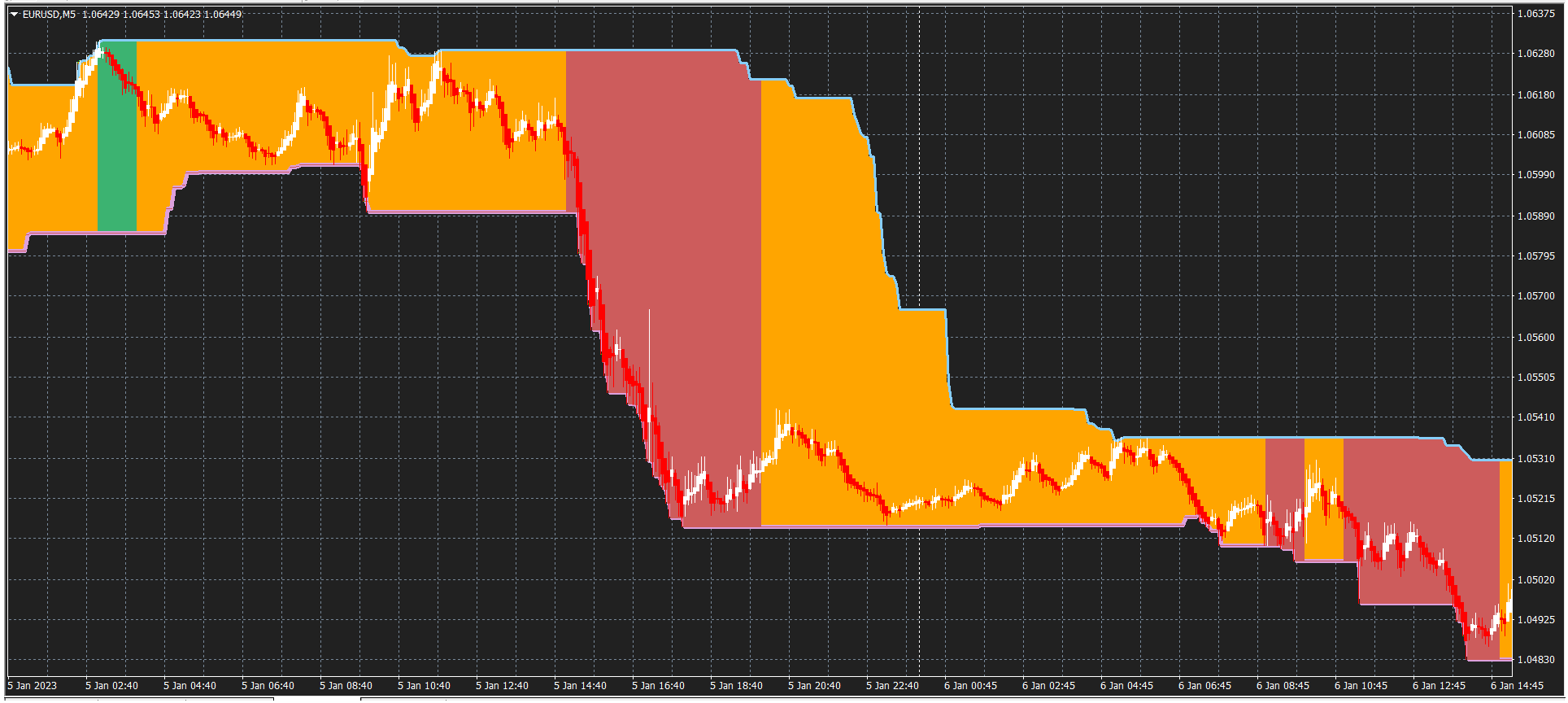
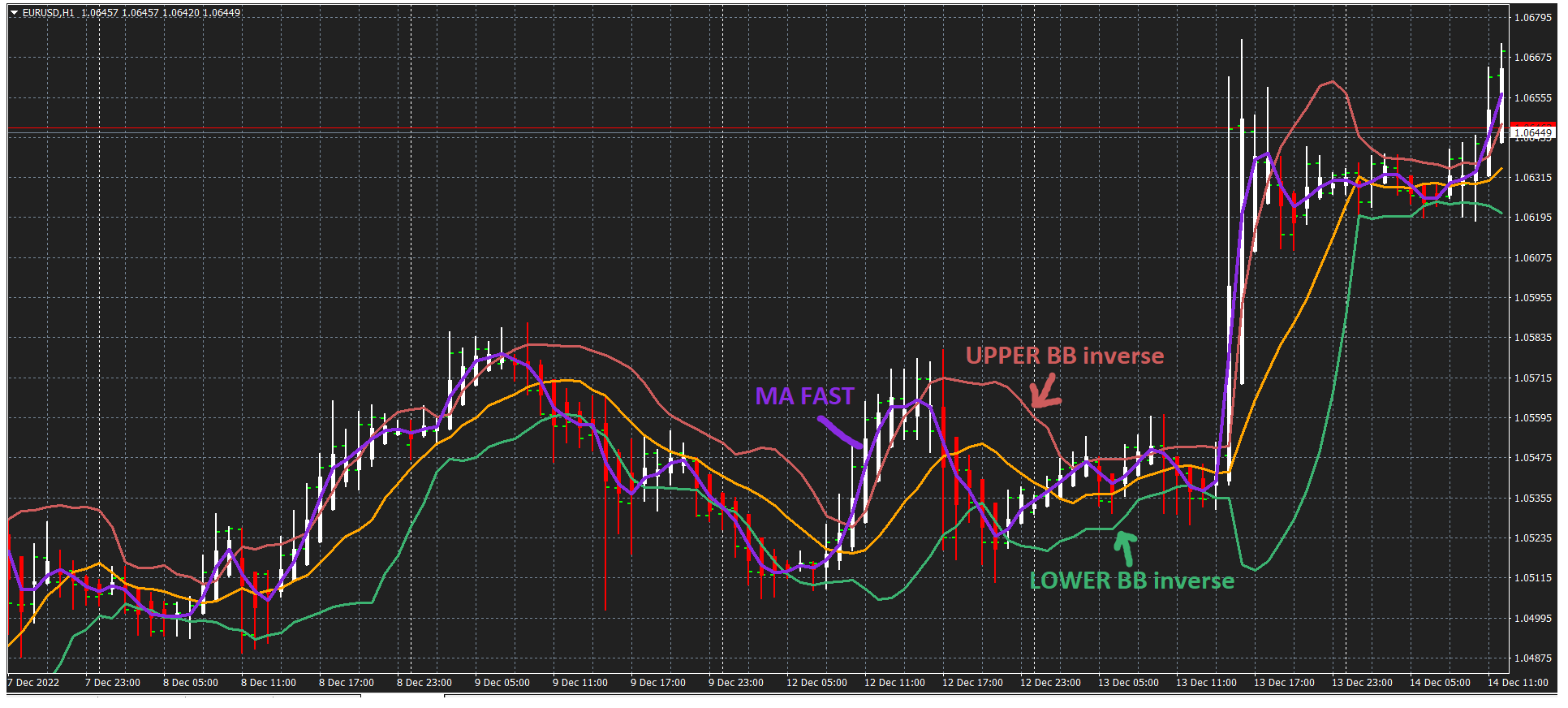
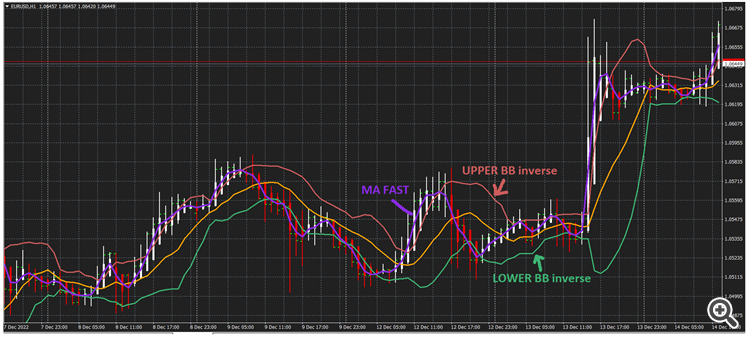
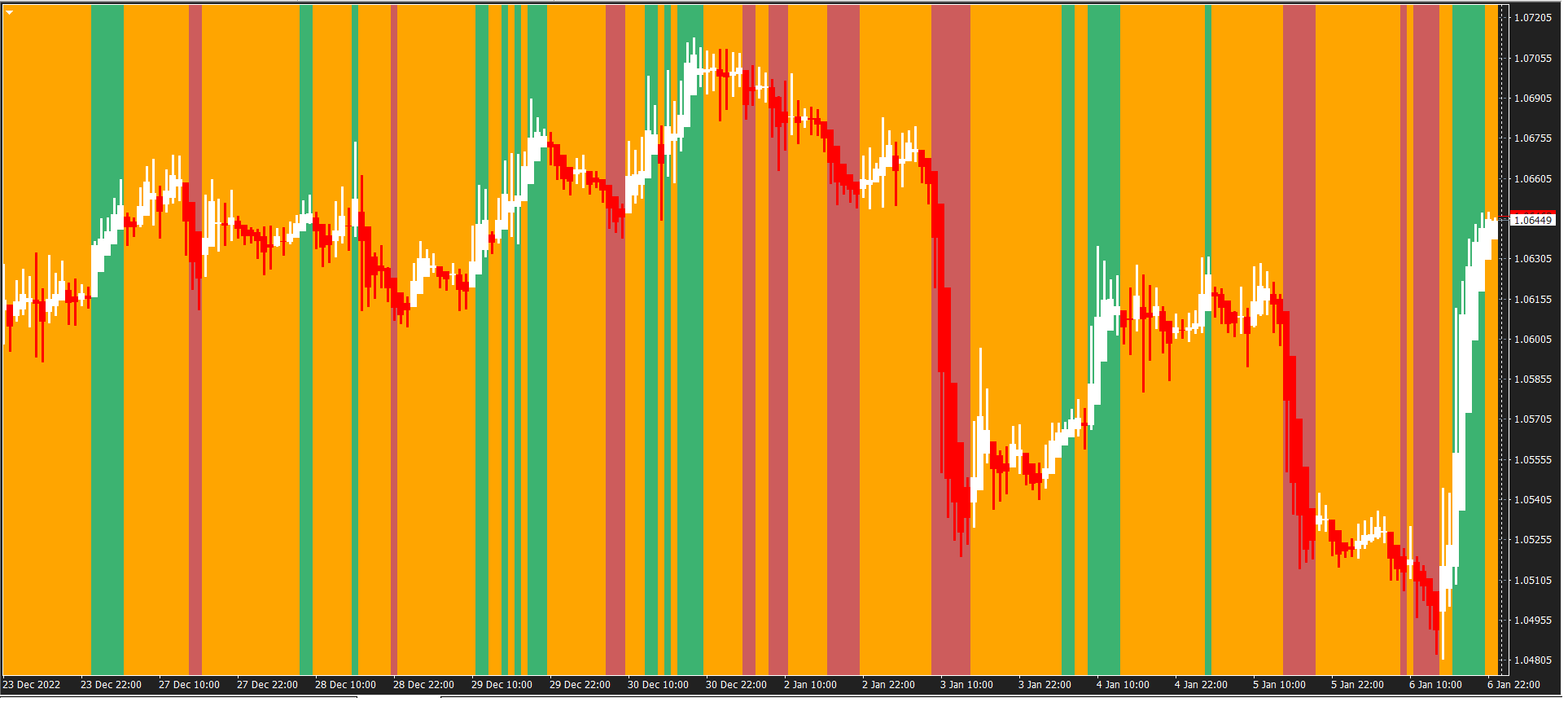
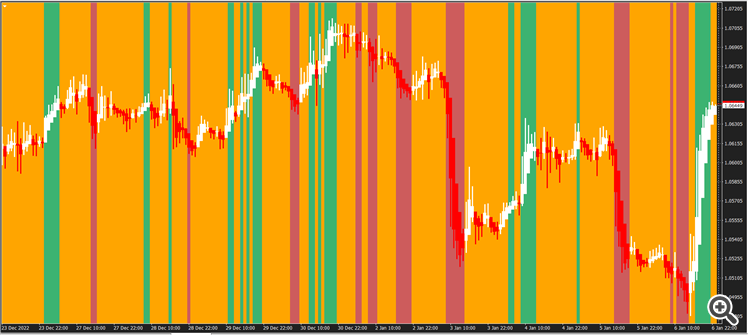
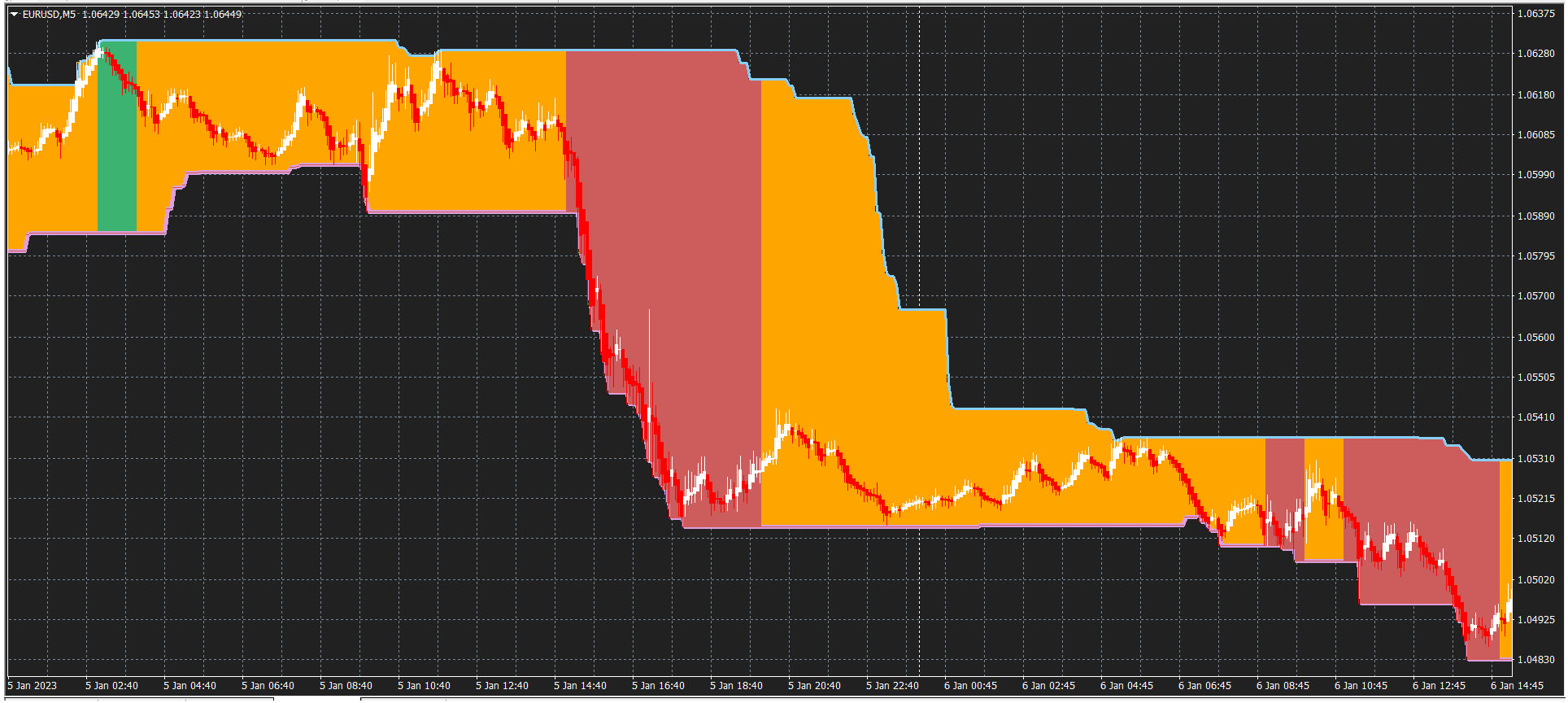
(您需要使用 Heiken Ashi 查看图表或更改参数,将图表放在指标前面)
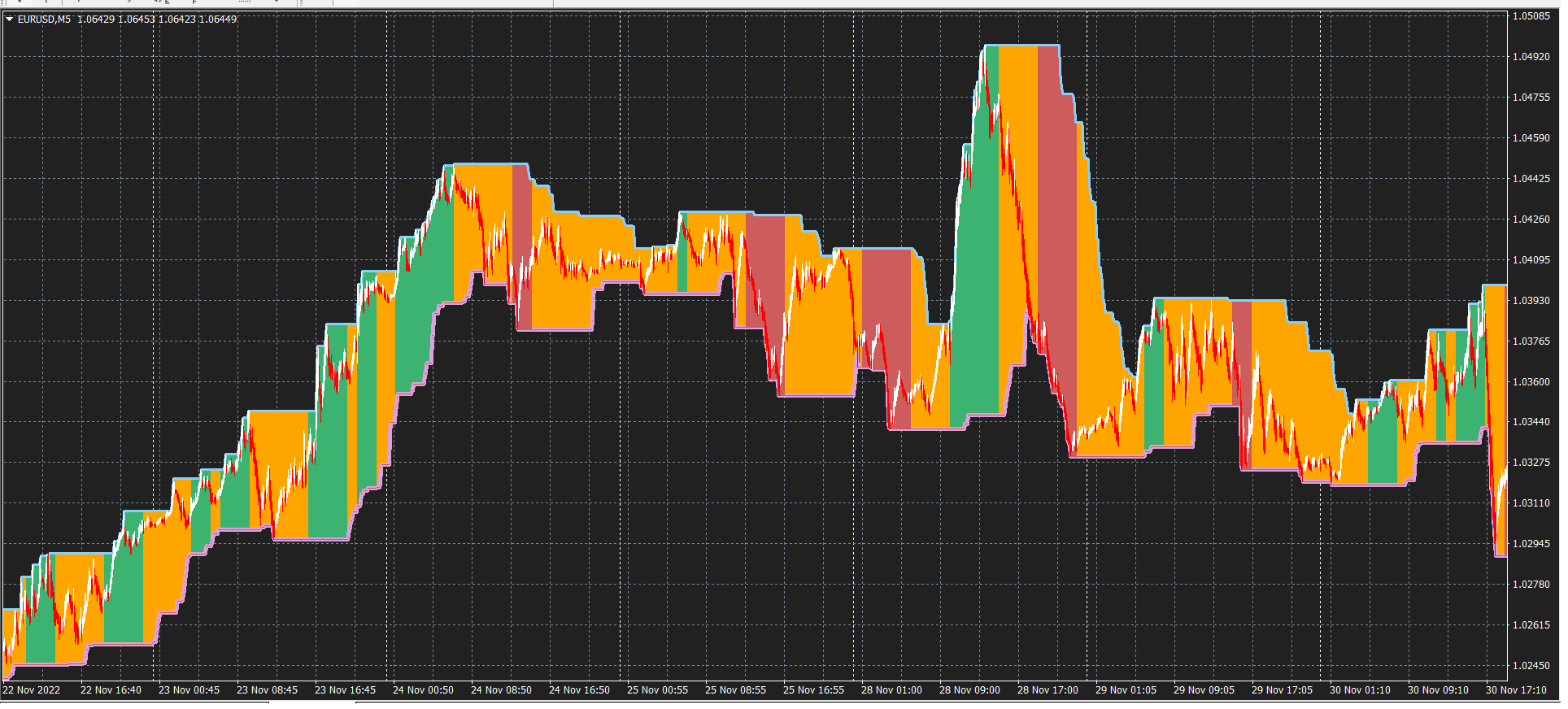
EASY -> 绿色 = 上升趋势 // 橙色 = 未定义 // 红色 = 下降趋势
布林线逆线只是一个布林线指标,其下限模式参数表示上 BB 线,上模式参数表示下 BB 线。
当移动平均线非常快地穿过上 BB 线时,可能是上升趋势,而当移动线快速穿过下 BB 线时,可能是下降趋势。
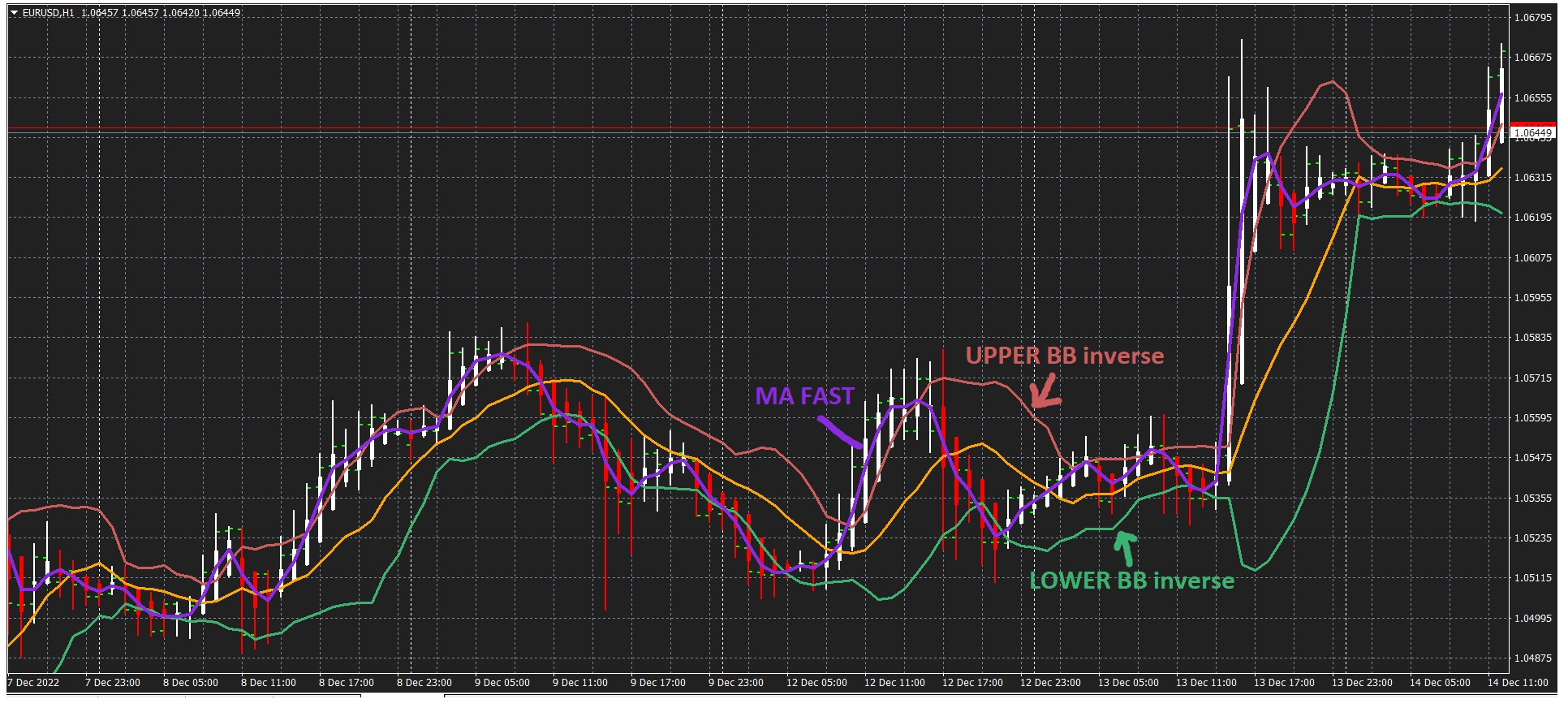
(布林线逆 + MA + 足平健)
因此,我选择 H1 周期以具有较强的趋势,我用适当的颜色编写直方图,并将所有内容放入 MTF 中,以便在 M1 或 M5 周期中获得更好的视图
当 MA > UPPERBB -> Grenn,MA < UPPER && MA > LOWERBB -> Oraange,MA < LOWERBB -> RED
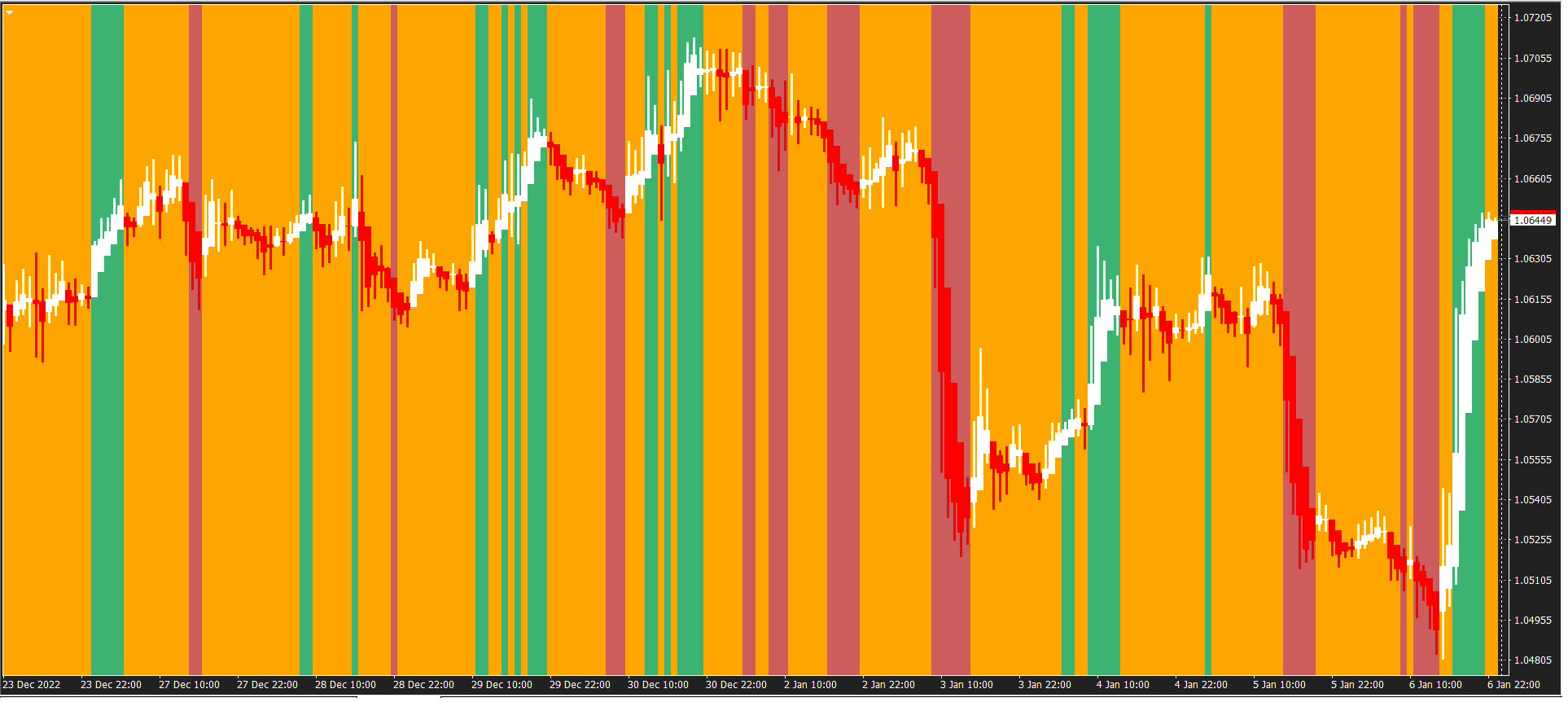
我将直方图放入 MaxMinBand 通道中。
所以你必须调整BBinverse、周期、偏差和平移的参数,以及快速MA的参数
和时间范围。
我更喜欢
外部整数时间帧=60;
//---- 输入参数布林线逆
外部 int ainpperiod = 10;
外部双 ainpdeviation =1.25 ;
外部 int ainpshift = 1;
//---- 输入参数Ma
extern int aperiodma = 3;
外部 int ashiftma = 0;
外部 int 方法 = 3;
外部 int apricema = 5;
//---- 输入参数MaxMinChannel
外部 int Band_PeriodMM = 90;
外部 int SiftMM = 1;
但是请让我知道您的参数偏好。
附件下载
📎 bollinger-inverse.mq4 (4.67 KB)
📎 a-tendance-h1-chart-window.mq4 (3.12 KB)
📎 easy-trend.mq4 (13.23 KB)
Source: MQL5 #42134
💡 精彩内容推荐
✍️ 楼主最新发布
- •
- •
- •
- •
- •
- •
🔗 您可能感兴趣
- •
- •
- •
- •
- •
- •